Sorting Your Workspace
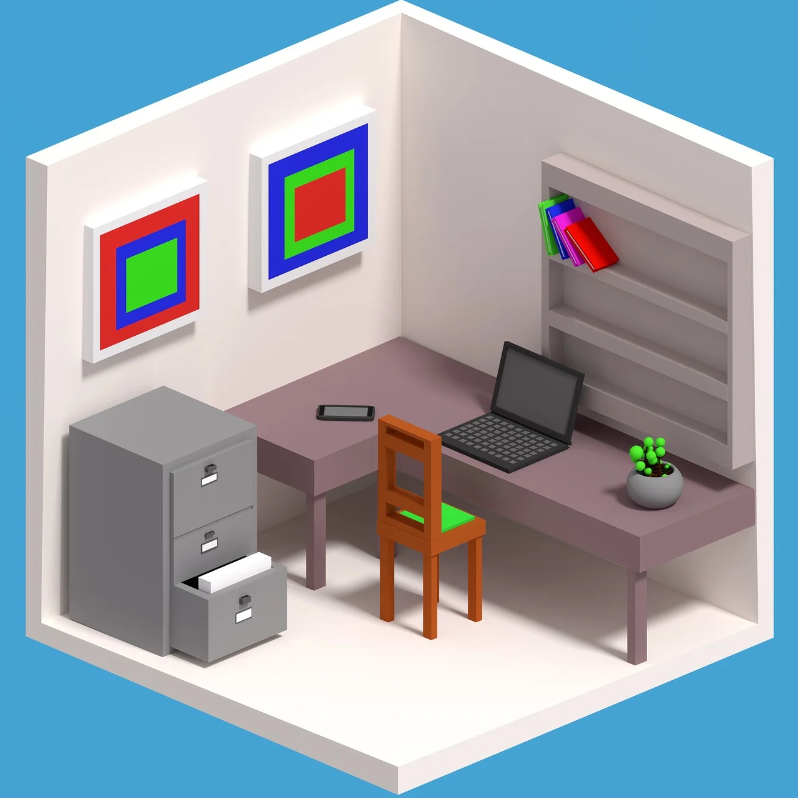
Now that you've decluttered and cleaned your workspace, up next is sorting the things essential to you. Any loose files you may have had should be relegated to a stringent sorting system of your own design. I can't give you a one-size-fits-all solution, as it pertains to the content and purpose of the files. However, your priority #1 from this point onward should be creating a system - ideally in a filing cabinet - to store and retrieve all your files at a moments notice. It's also important to remove old files no longer in use every once and a while. You can either shred them, or create an archival system as well.
Having sorted your files, there's now a couple of other less important things to tend to. For one, if you write a lot, easy access to a pen/pencil and writing paper is very important. I personally have a little table next to my main desk that holds my pens, pencils, note cards, and writing paper. This table also holds my wallet, airpods, and charging device for headphones. I strongly recommend an approach like this, as it leaves your main workstation clutter-free and clean, while still having quick access to utilities. If you don't use a computer at your workstation you can just place them tactfully on your main desk, however, this whole guide has assumed you use a computer. The final sorting hurdle to tackle has to do with said computer: cable management. This one is a little less necessary (unless you have a ton of cables), but it can help improve the aesthetic significantly. Depending on the type of desk you use, there are several solutions. For example, I've attached a tray to the bottom of my desk that holds an extension strip, in which I've plugged every device connected near me into. I also nailed a little net into the underside of the desk to route the cables through. As a rule of thumb, try to keep the cables touching the floor to a minimum.